Gehaeuse rot schraeg.45 min

Tuning per excellence

Autoflasher
A product in a class of its own
No minimum term or commitment

0

CONTROL DEVICES

0

MINUTES

0

VEHICLES

The all-rounder

1 device: many functions.
Our Autoflasher can do all this.

icon1 productpage

Read and write function

The Autoflasher can reliably read and write to all common engine and transmission control units. Thanks to constant updates, compatibility continues to grow – simply connect and get started.

icon2 productpage

Back to original

With just one click, the control unit can be reset to its original state—or downgraded or upgraded to other software versions. Flexible, secure, and reliable.

icon3 productpage

AUTOMATIC CHECKSUM

The checksums are automatically detected and adjusted during writing. No manual calculations or checks are necessary—the autoflasher takes care of everything for you in the background.

icon4 productpage

DELETE ERROR CODES

Error codes? No problem. The Autoflasher automatically detects and deletes them as it writes—no extra work or external tools needed. Saves time and ensures clean results.

icon5 productpage

OBD Flash & ECU Detection

The tool automatically detects the appropriate protocol and configures itself. Over 30,000 supported control units – daily updates constantly add new vehicles and functions.

icon6 productpage

BENCH FLASH SUPPORT

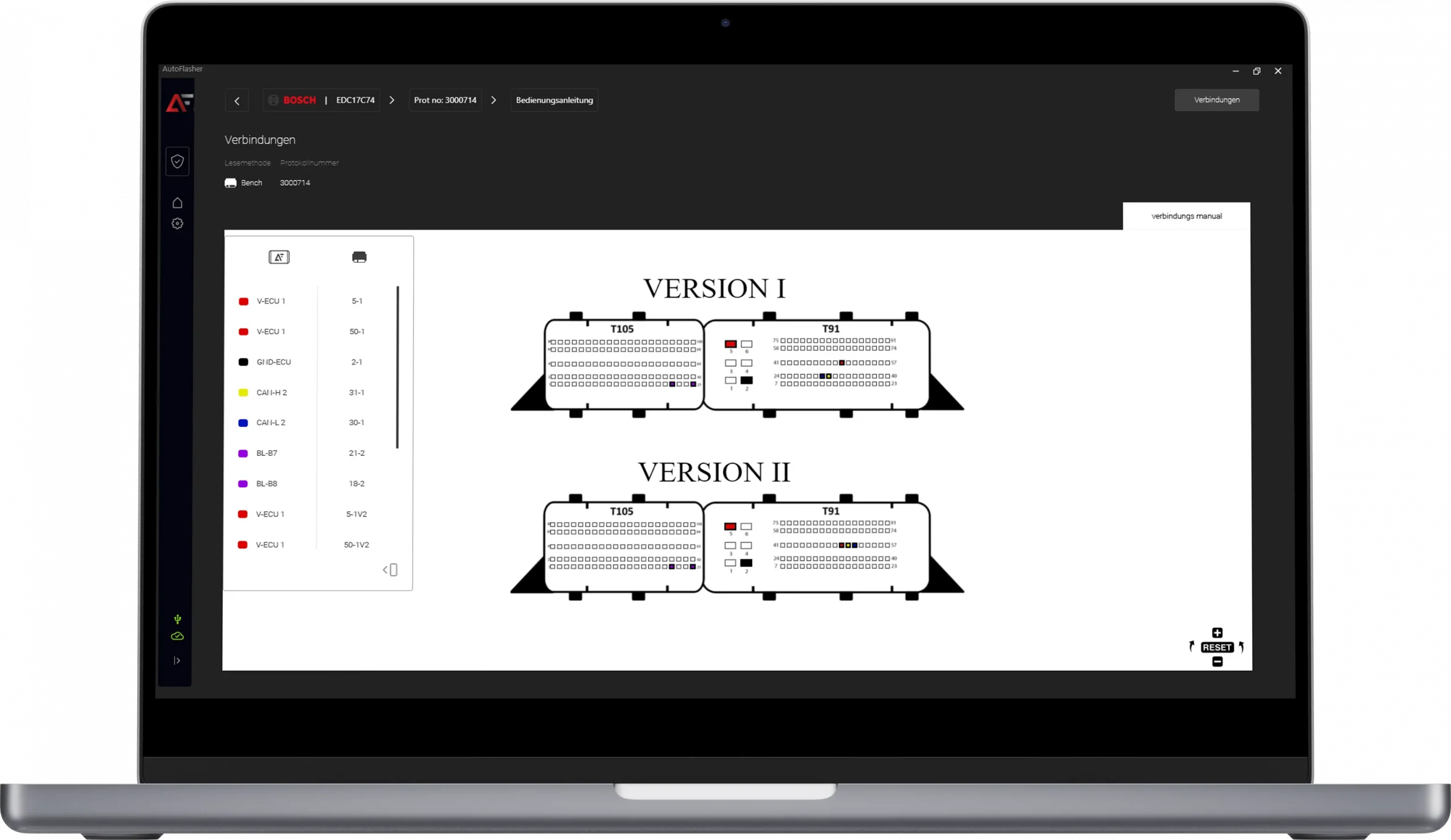
Bench mode helps with control units that cannot be flashed via OBD. No soldering, no opening—just simple work directly via the pins of the open connector in the case.

icon7 productpage

ECU & TCU CLONES

The integrated clone function allows control units to be duplicated 1:1 – ideal for replacing defective units. Complete backup, secure recovery – all with just one click.

icon8 productpage

BOOT MODE ACCESS

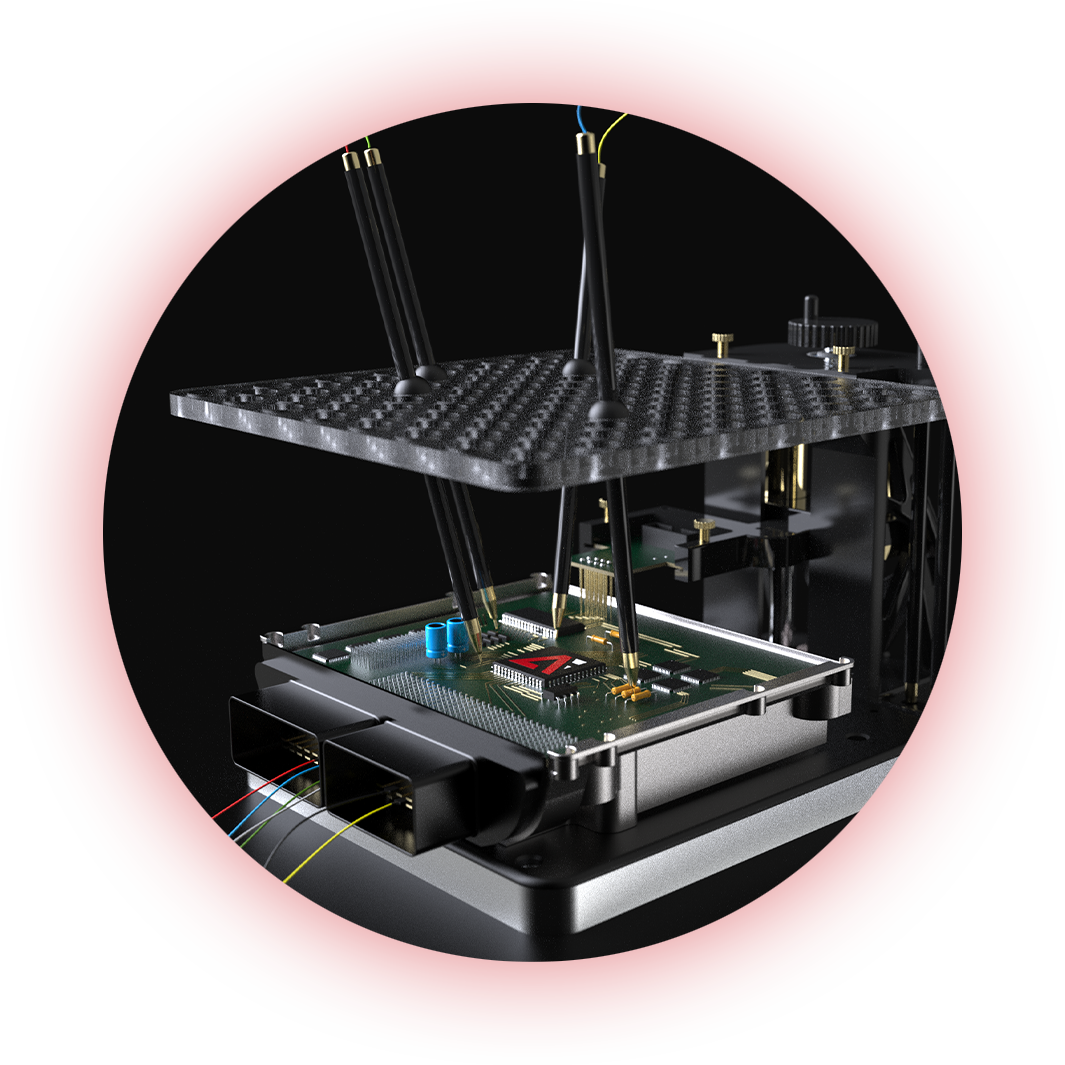
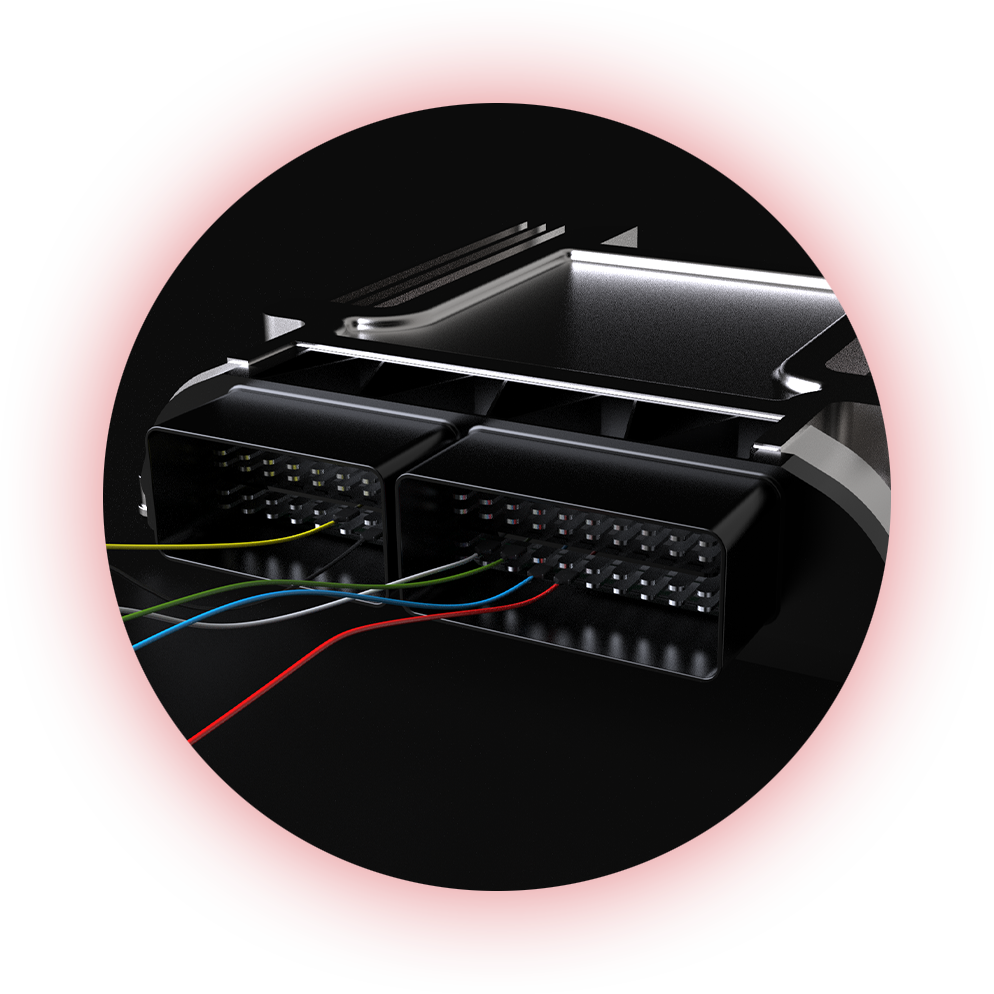
If OBD and Bench don't work, boot mode can help. Here, the control unit is processed directly on the circuit board – for maximum compatibility even with complex ECU types and locks.

Start
Menü
1. Schritt 2. Schritt 3. Schritt Fahrzeugtyp
wählen
Hersteller
wählen
Fahrzeugtyp
wählen
2. Schritt 3. Schritt 4. Schritt Hersteller
wählen
Fahrzeugmodell
wählen
1. Schritt Start
Menü
Hersteller
wählen
3. Schritt 4. Schritt 5. Schritt Fahrzeugmodell
wählen
Motor
wählen
2. Schritt Fahrzeugtyp
wählen
1. Schritt Start
Menü
Fahrzeugmodell
wählen
4. Schritt 5. Schritt 6. Schritt Motor
wählen
Protokoll
wählen
3. Schritt Hersteller
wählen
2. Schritt Fahrzeugtyp
wählen
Motor
wählen
5. Schritt 6. Schritt 7. Schritt Protokoll
wählen
Lese oder Schreib-
Methode wählen
4. Schritt Fahrzeugmodell
wählen
3. Schritt Hersteller
wählen
Protokoll
wählen
6. Schritt 7. Schritt 8. Schritt Lese oder Schreib-
Methode wählen
Anleitung
ansehen
5. Schritt Motor
wählen
4. Schritt Fahrzeugmodell
wählen
Lese oder Schreib-
Methode wählen
7. Schritt 8. Schritt 9. Schritt Anleitung
ansehen
Lesen des
Steuergerätes
6. Schritt Protokoll
wählen
5. Schritt Motor
wählen
Anleitung
ansehen
8. Schritt 9. Schritt 10. Schritt Lesen des
Steuergerätes
Schreiben des
Steuergerätes
7. Schritt Lese oder Schreib-
Methode wählen
6. Schritt Protokoll
wählen
Lesen des
Steuergerätes
9. Schritt 10. Schritt Schreiben des
Steuergerätes
8. Schritt Anleitung
ansehen
7. Schritt Lese oder Schreib-
Methode wählen
Schreiben des
Steuergerätes
10. Schritt 9. Schritt Lesen des
Steuergerätes
8. Schritt Anleitung
ansehen
6271641a15532926e6be6d4e Autoflasher Germany 1 Start Menü p 2000 1024x593 1 Group 5087 62716426f8acb13c5660b8bb Autoflasher Germany 2 Fahrzeugtyp wählen p 2000 1024x593 2 6271642f5eb4f3fa3b144f13 Autoflasher Germany 3 Hersteller wählen p 2000 1024x593 1 6271643832567f0c00f7e142 Autoflasher Germany 4 Fahrzeugmodell wählen p 2000 1 1024x593 1 6271644958b0694f3680265f Autoflasher Germany 5 Motor wählen scaled 1 62716451836326347991e06a Autoflasher Germany 6 Protokoll wählen scaled 1 6271645a734be327c12fe039 Autoflasher Germany 7 Lese Schreib Methode wählen scaled 2 627164b09e490ce4e403b70e Autoflasher Germany 8 Anleitung ansehen scaled 1 627164b9bbd46b80c841e86b Autoflasher Germany 11 Lesen des Steuergerätes scaled 1 627164cbb3b2fb5ec48eebac Autoflasher Germany 12 Schreiben des Steuergerätes scaled 1

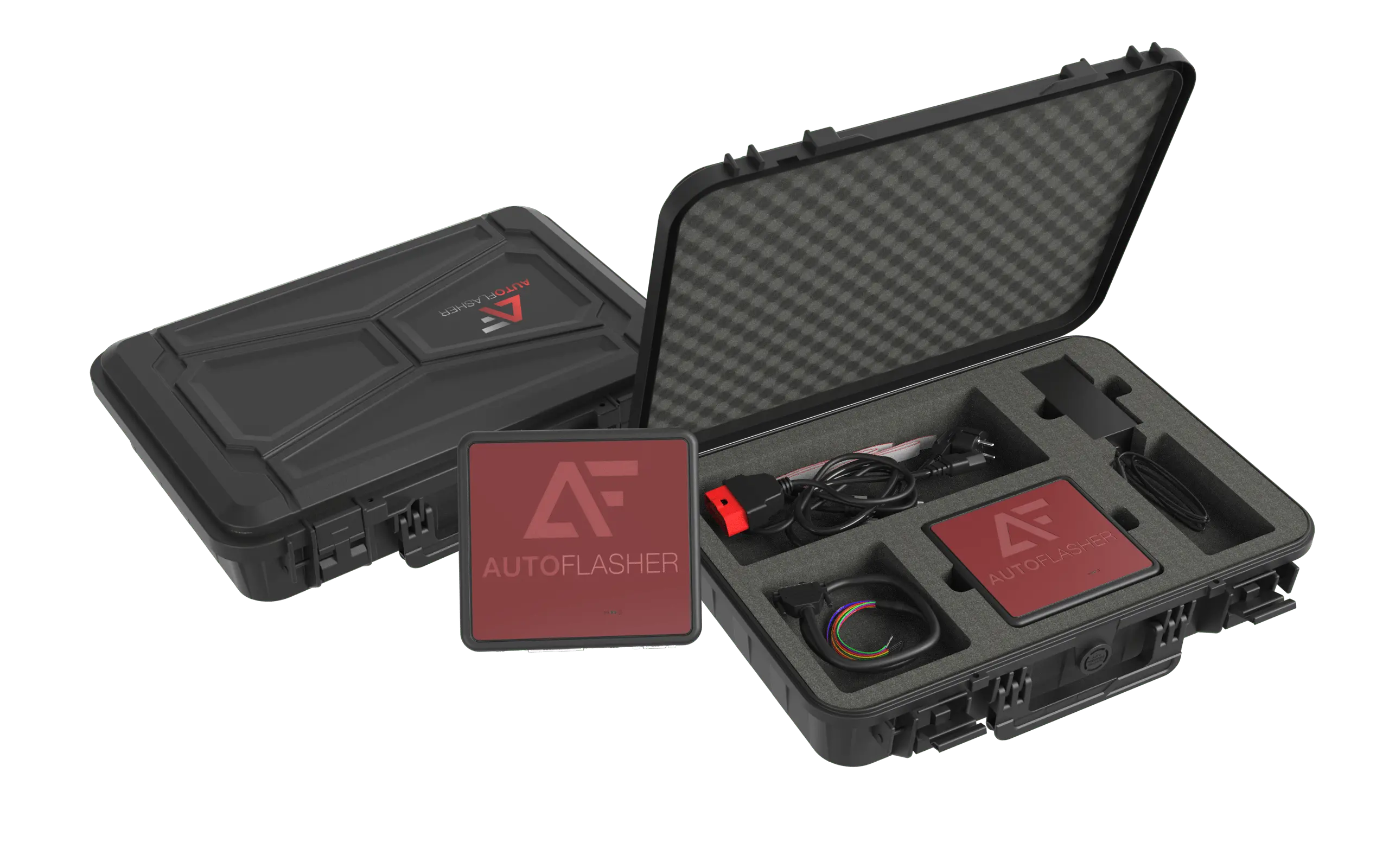
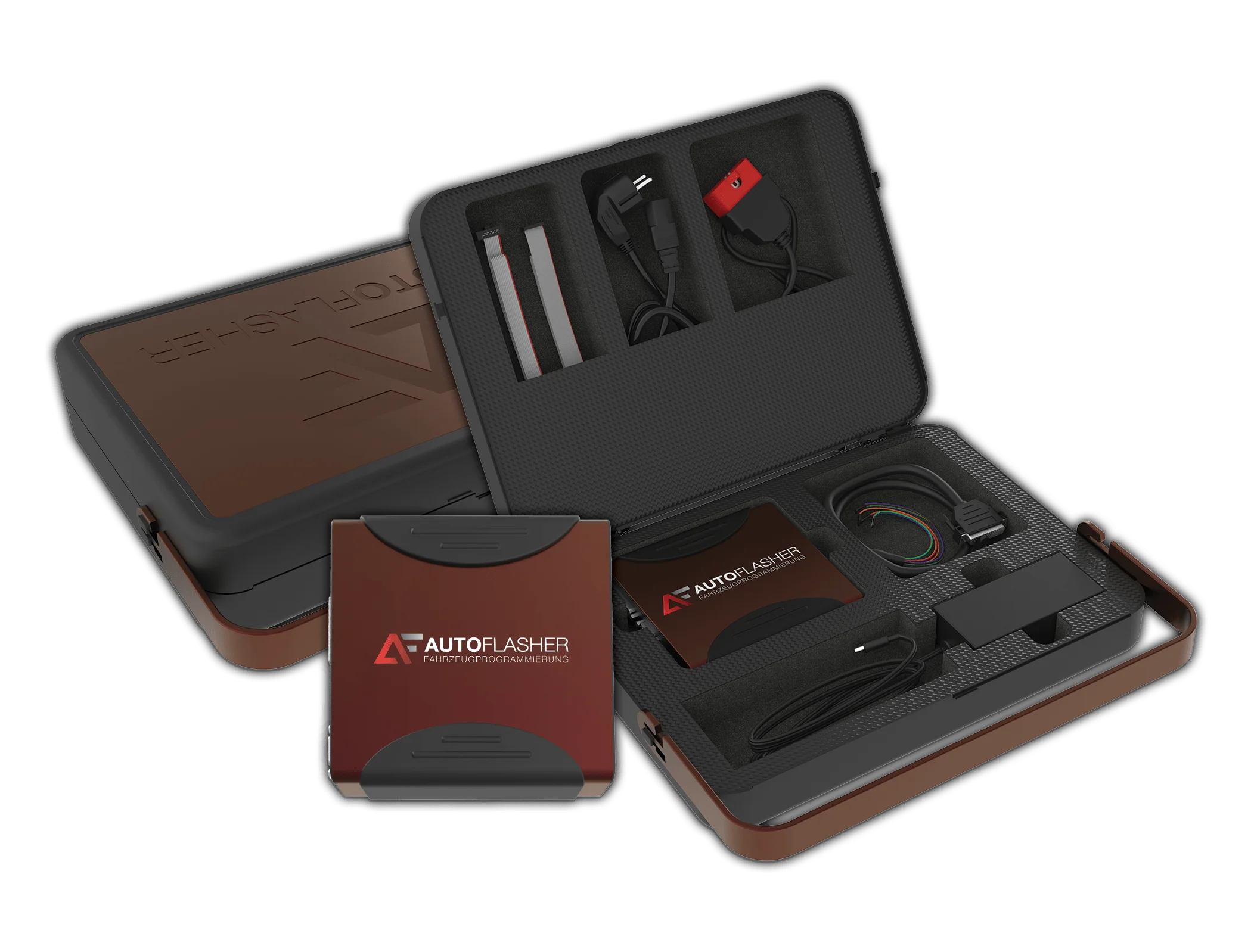
Everything from a suitcase.

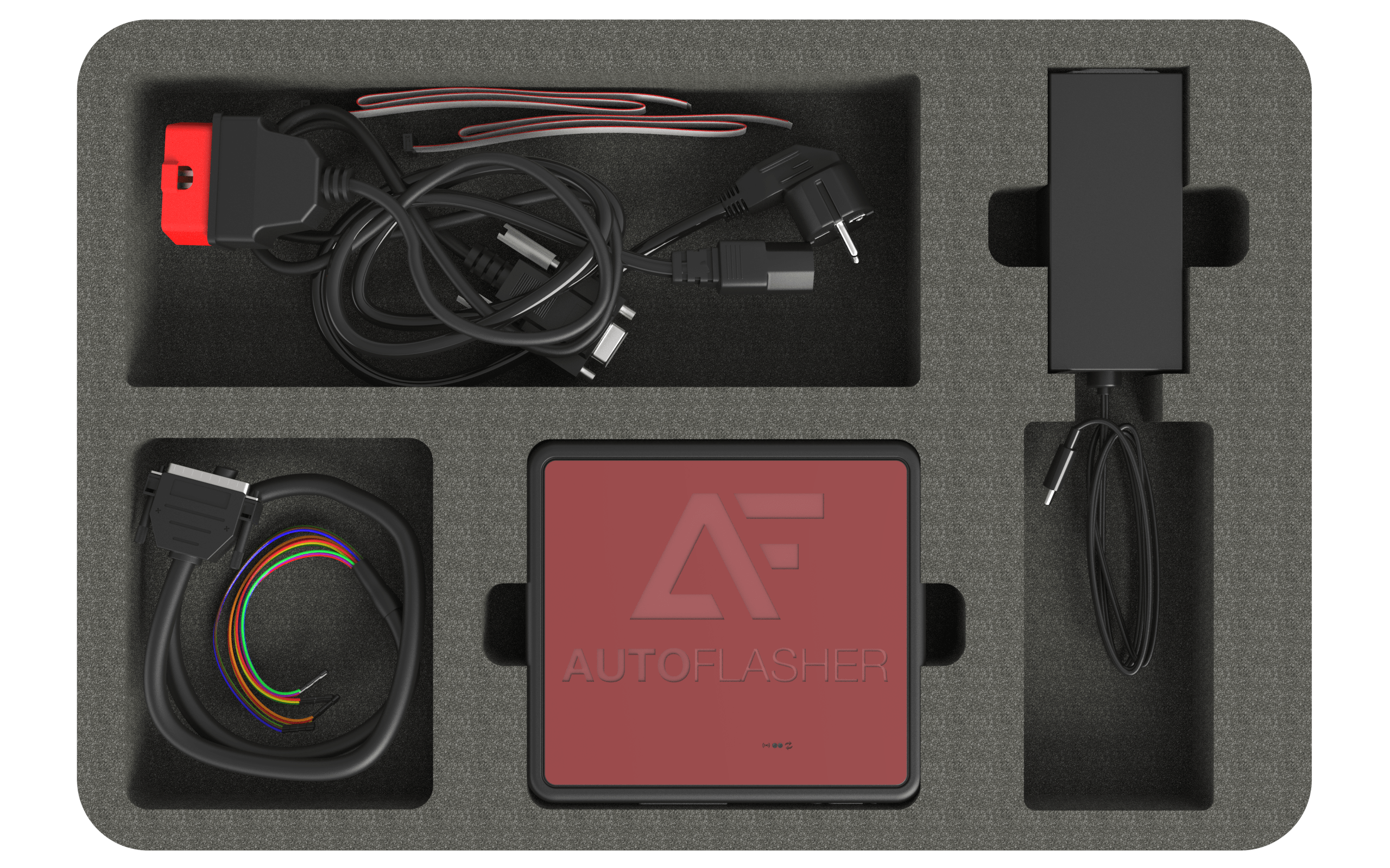
The Autoflasher case we supply contains everything you need. Get started right away without any preparation time and read out the first control unit immediately.

koffer 001.601 min
motor image gq

Program
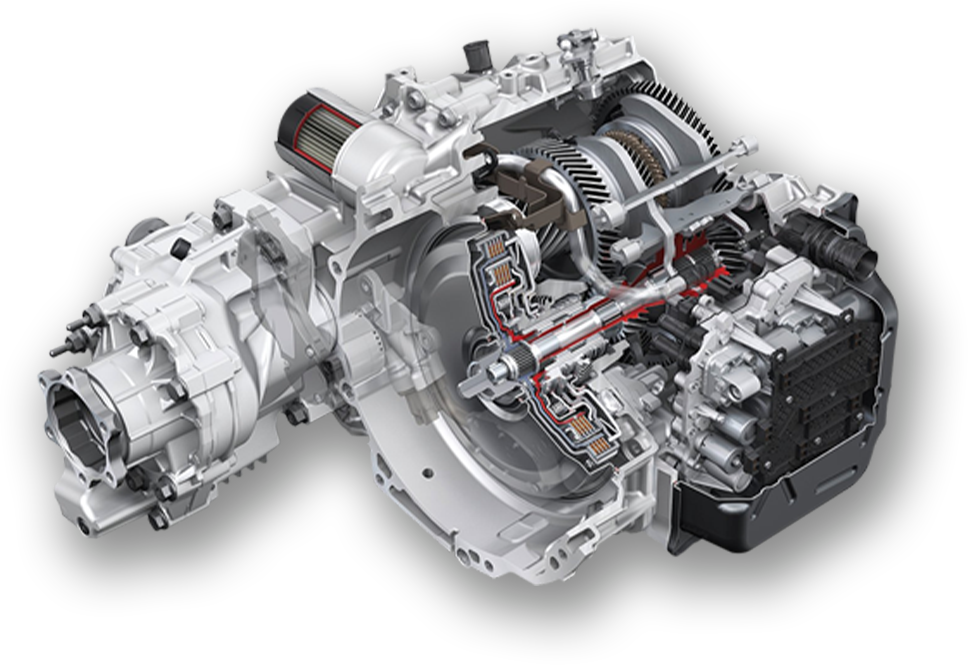
Automatic transmission

AutoFlasher specializes in providing the best solutions for automatic transmissions (TCU) and supports a wide range of vehicles.

It includes innovative protocols for repair, modification (tuning), and improves sustainability by enabling the reuse of otherwise unusable mechatronics.

TCU solutions are super fast, secure, and stable.

High
compatibility

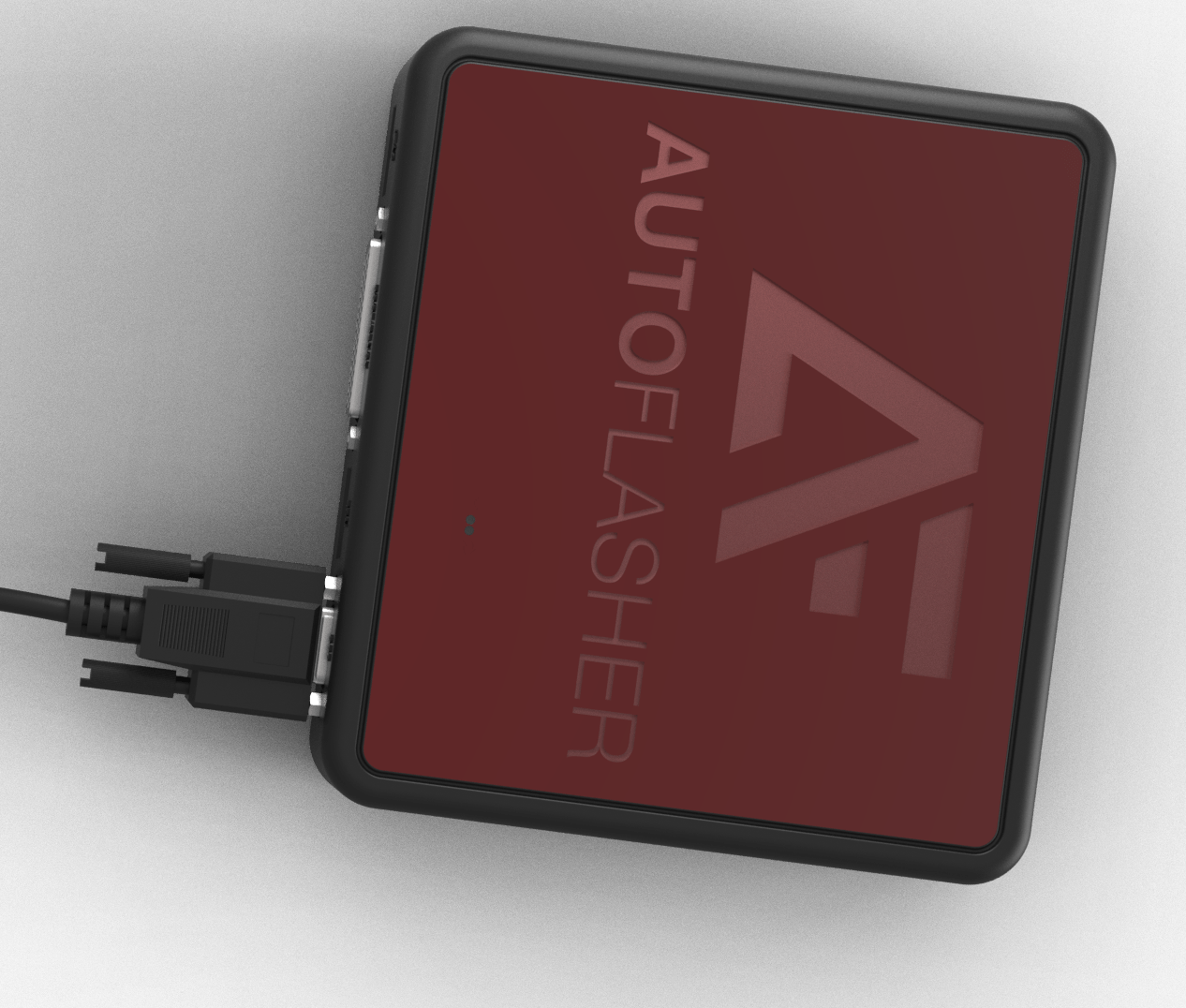
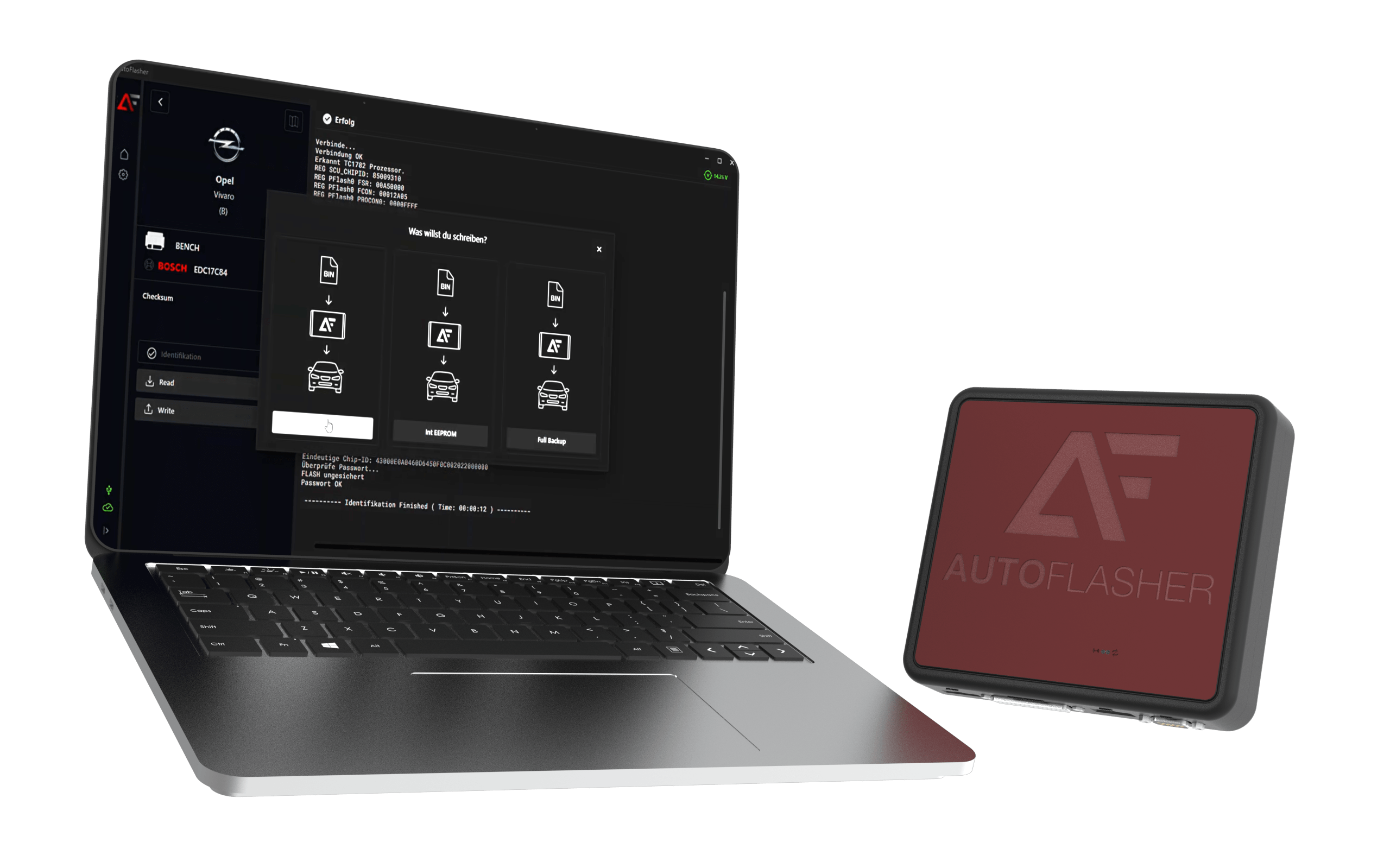
Our car flasher supports over 30,000 protocols and is compatible with almost all common brands, models, and control units—whether OBD, bench, or boot. New vehicles are added continuously.

Gehaeuse Kabel liegend correct size 001.48 min
laptop geraet kombi.63 min

Vehicle data
Logging (BETA)

With the integrated data recording function, all relevant data and parameters (such as boost pressure, injection, ignition, lambda value, etc.) are recorded and visualized in tabular form.

Gehaeuse open.55 min

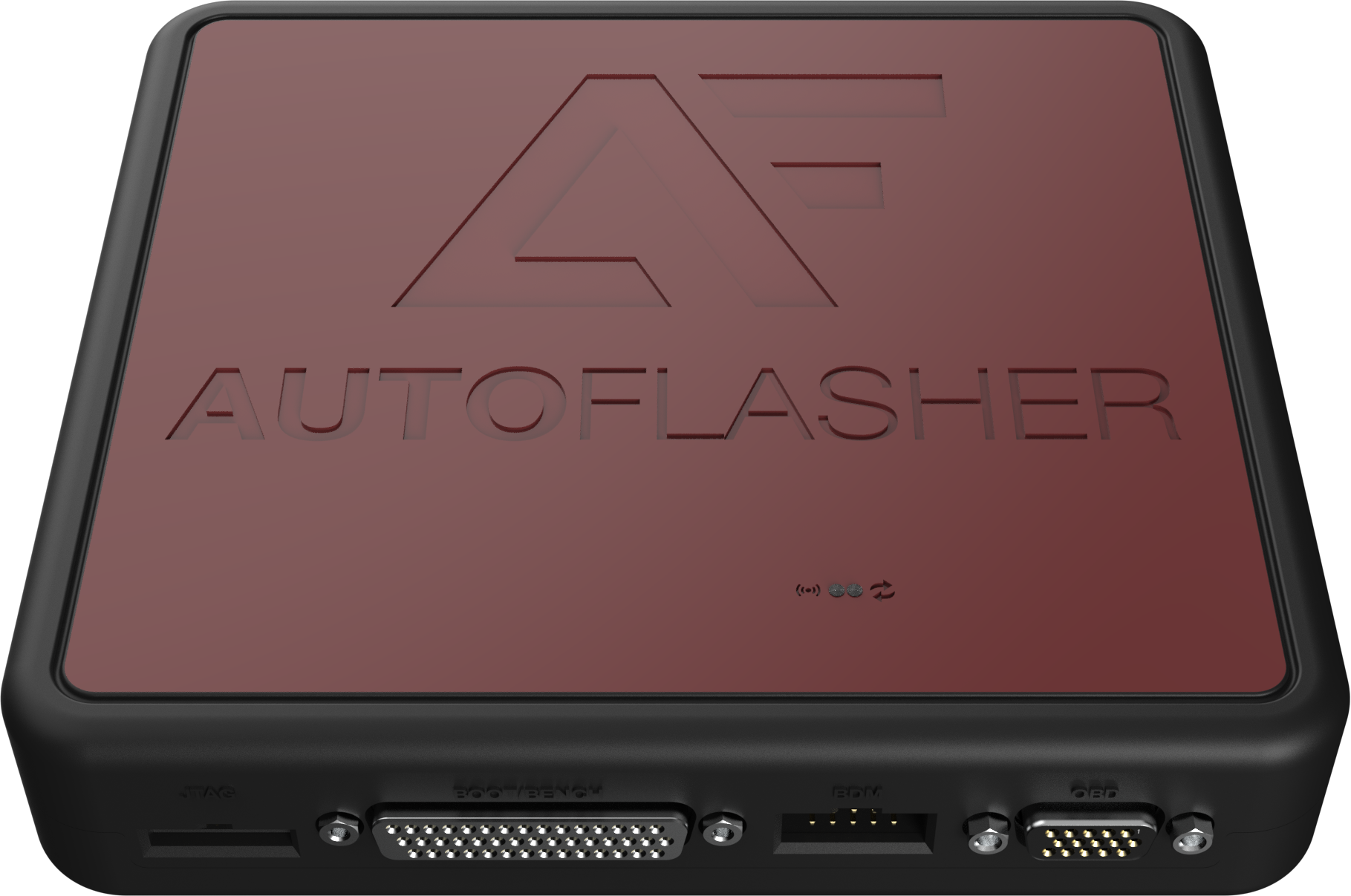
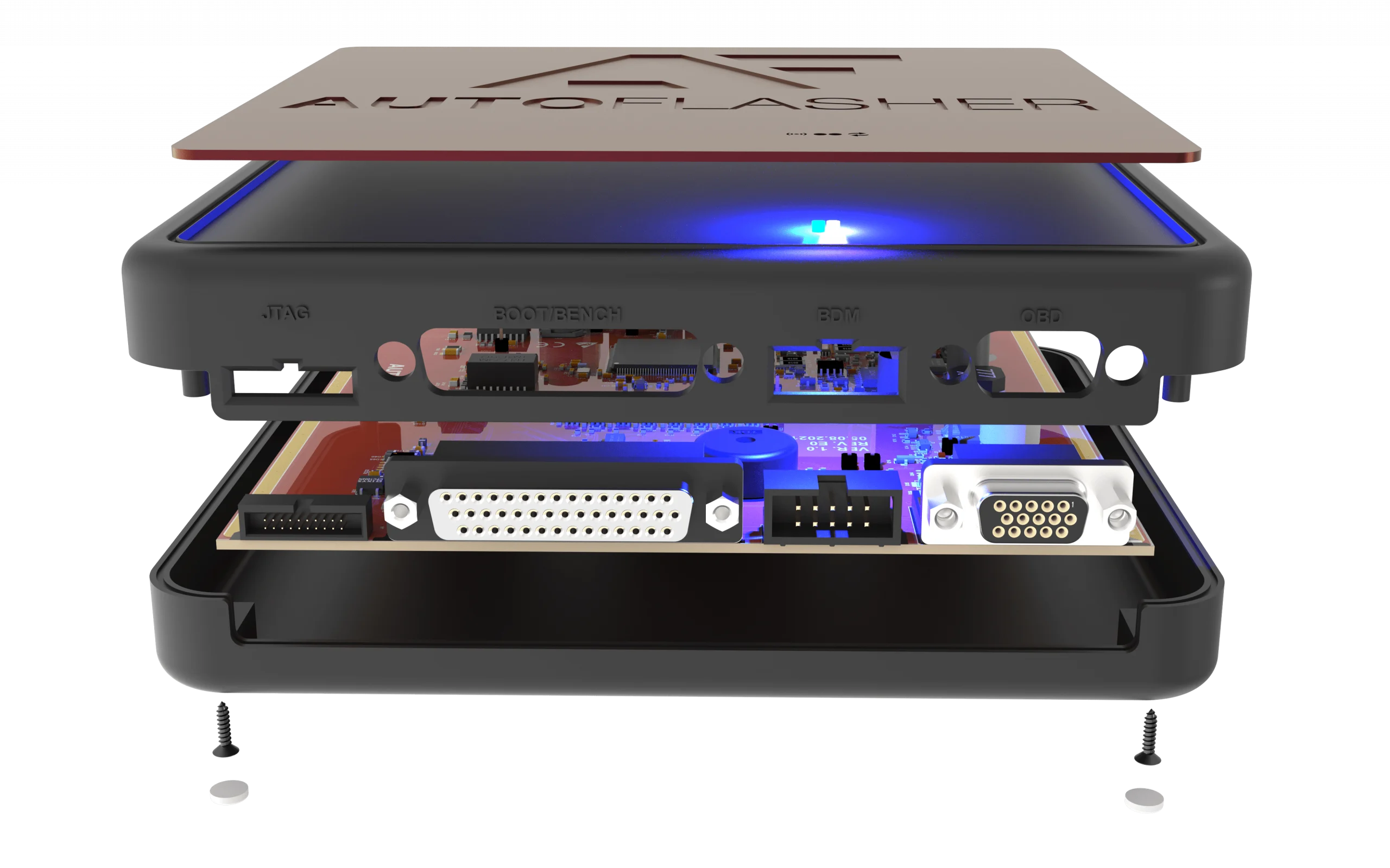
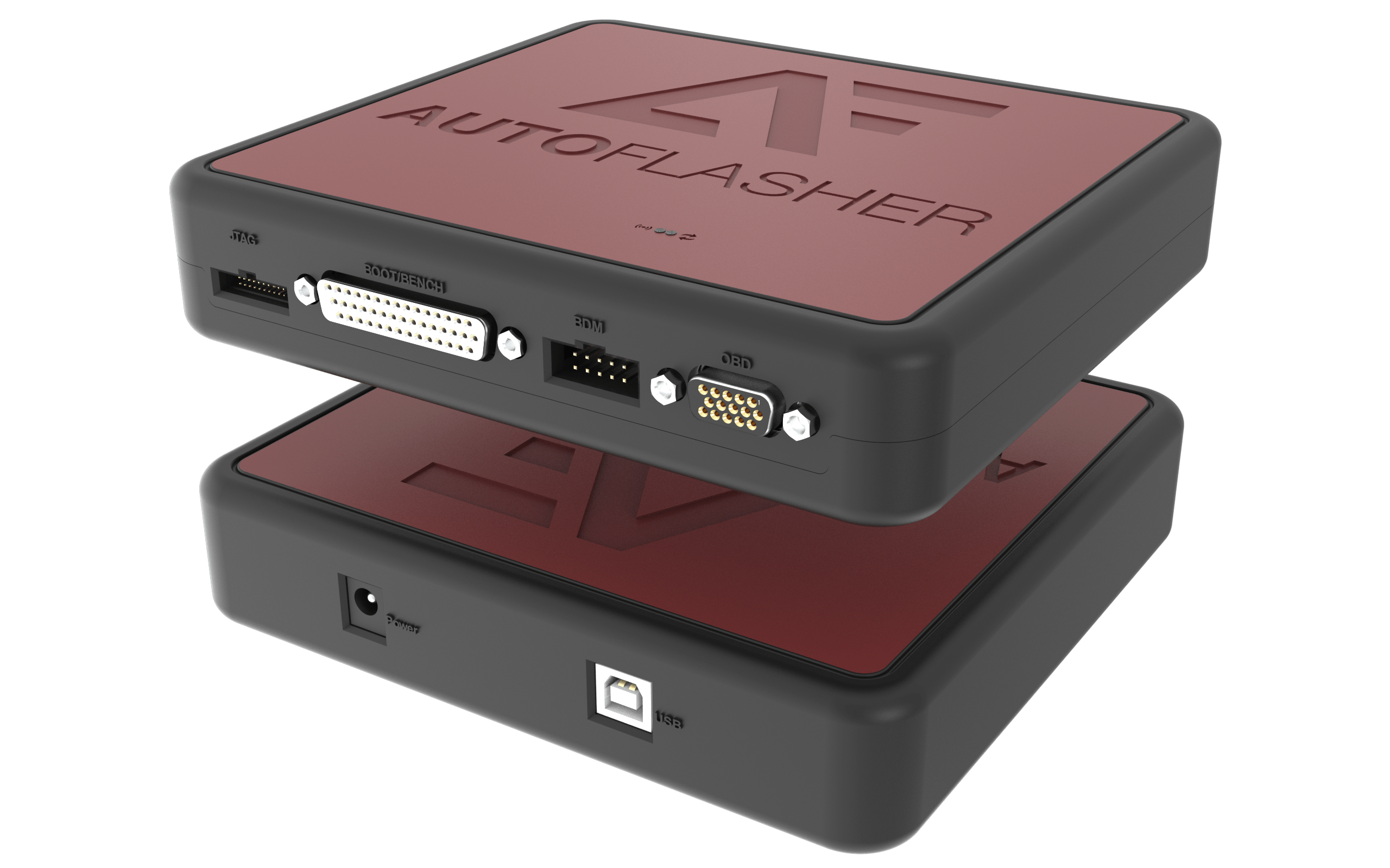
J-TAG CONNECTOR

A ribbon cable
Included in the scope of delivery of the case

BENCH & BOOT CONNECTION

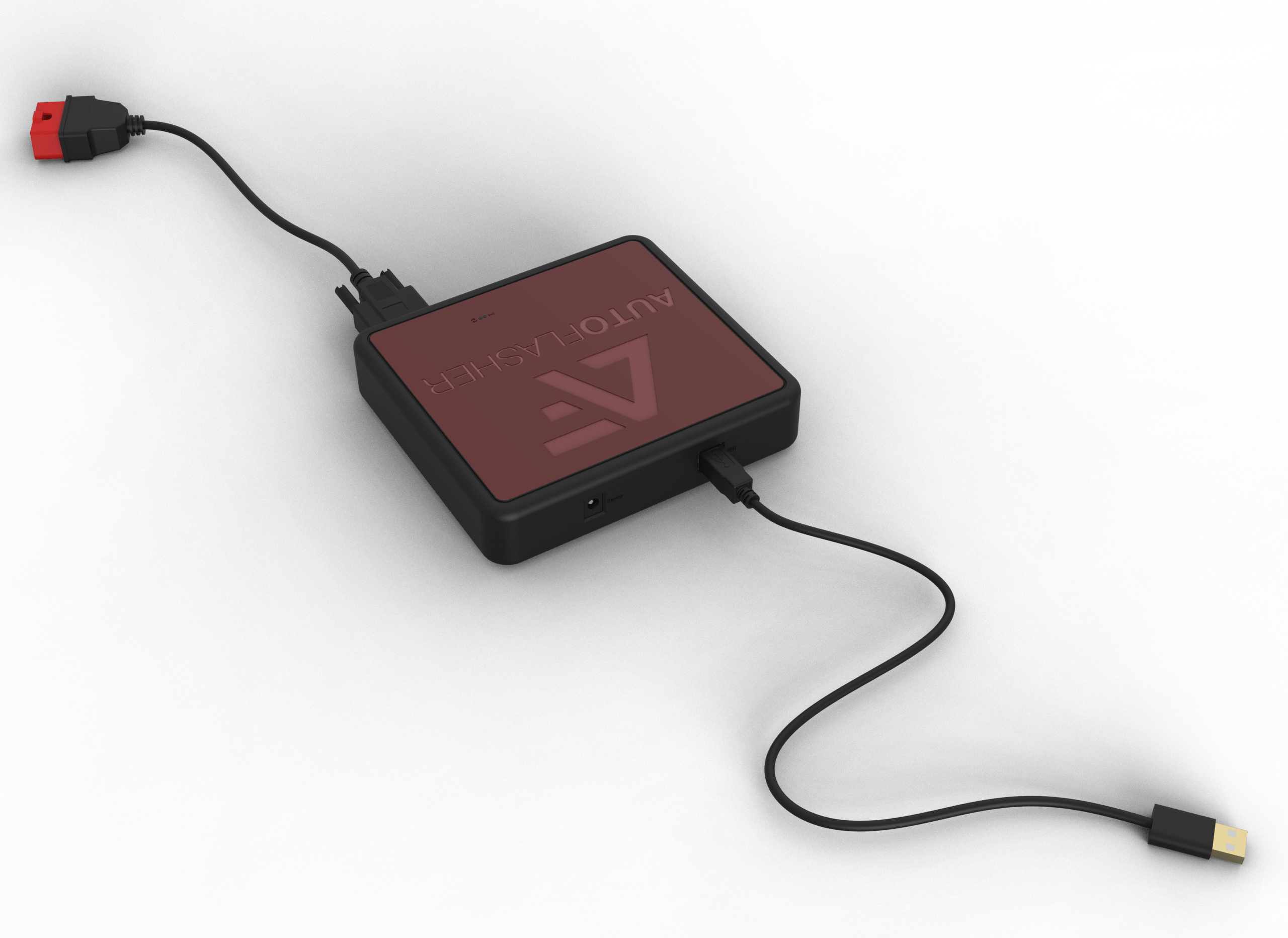
The case contains a cable
that can be used to connect
all control units
via boot
and bench.

BDM CONNECTION

The case contains a cable reinforced in accordance with manufacturer standards.

OBD CONNECTION

The case contains a cable reinforced in accordance with manufacturer standards.

14 VOLT POWER SUPPLY

The case contains a
cable reinforced in accordance with manufacturer standards.

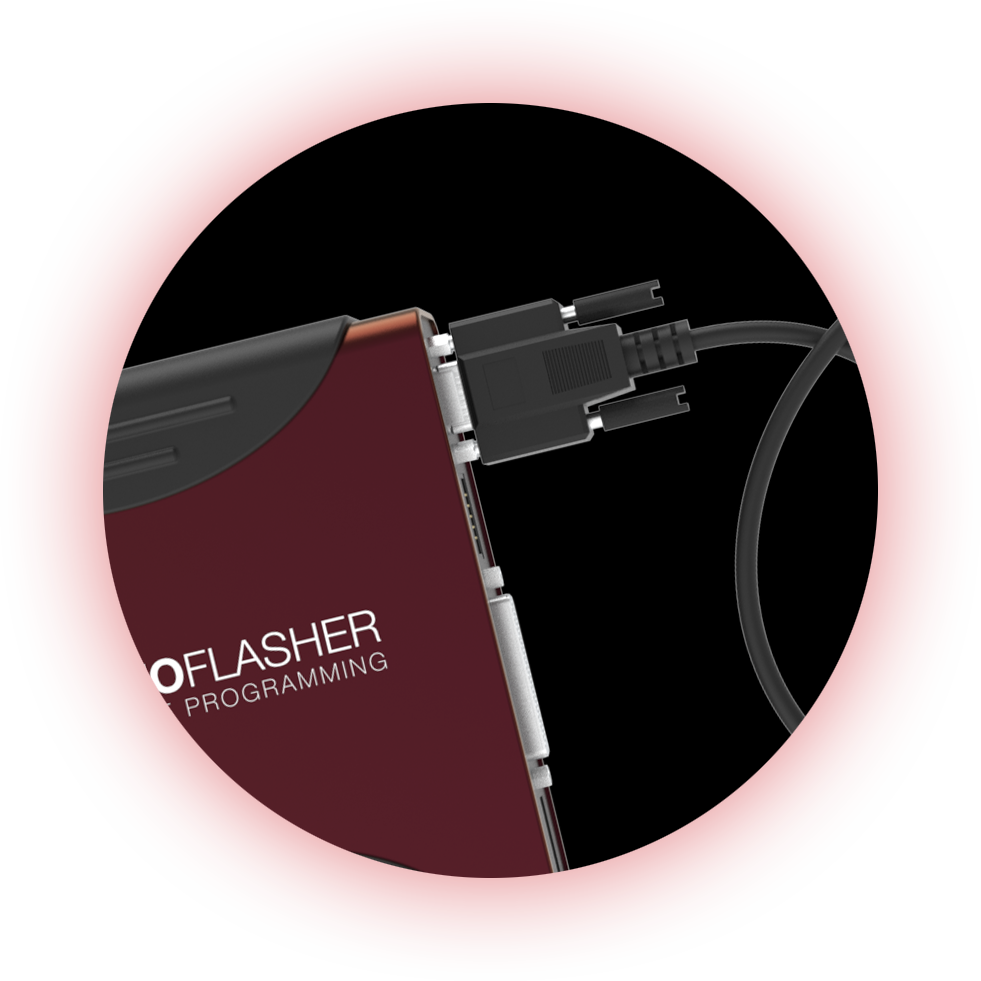
USB CONNECTION

The case contains a cable reinforced in accordance with manufacturer standards.

1.

Master & Slave System

With the master & slave system, you retain full control over all customer tools. You manage who is allowed to do what – and still remain flexible. Ideal for resellers, workshops, or larger teams that use multiple devices. The slave devices are linked to your master tool and can be controlled centrally. This means that everything runs through your account – simply, securely, and efficiently.

2.

Central administration

All slaves at a glance – in real time. The administration backend allows you to manage user rights, view file statuses, and intervene directly if necessary. Whether unpacking, CVN calculation, or deletion – everything can be done via your master account. You maintain an overview at all times and can coordinate processes perfectly. Ideal for structured processes and teams that need speed and control.

3.

API & Automation

Use our modern API to make processes even more efficient. Upload files, unzip them, start comparisons—everything runs automatically through your systems. Ideal for portals, file service platforms, or developers focused on speed. This saves you time, prevents errors, and takes your business to the next level. Developed for maximum performance in everyday use.